Seedance 2.0
Explore cinematic ideas that combine a clear subject, movement, sound, and carefully described camera direction.
Turn your words or images into a video idea.
Turn your words, images, or ideas into videos. Start with a description, explore different visual approaches, and shape a story in the style you have in mind.
Explore cinematic ideas that combine a clear subject, movement, sound, and carefully described camera direction.
Build a precise scene description around the characters, camera perspective, and motion you want to see.
Think in vivid detail: realistic surfaces, complex movement, and a consistent visual direction for the whole clip.
Plan expressive video concepts with dialogue, atmosphere, and the kind of visual detail that supports a cinematic story.
Experiment with energetic camera moves and short scenes built around a memorable subject or action.
Give a visual idea room to breathe with mood, movement, setting, and a soundtrack that suits the scene.
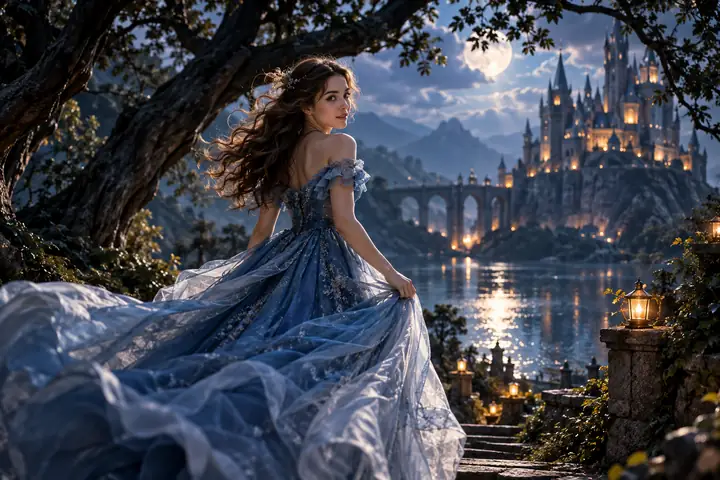
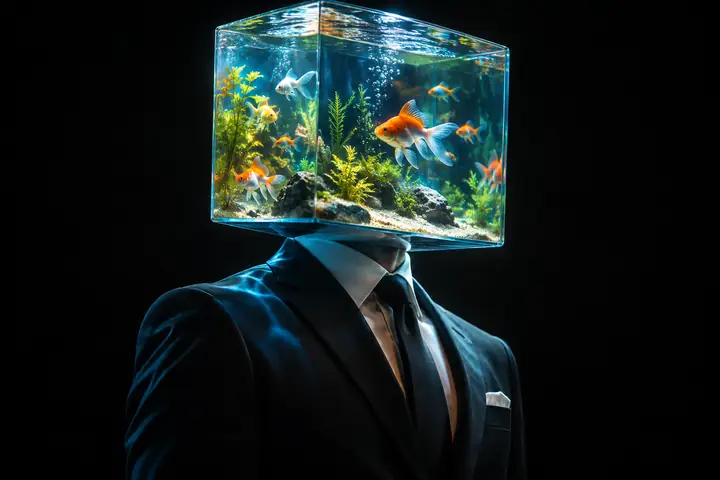


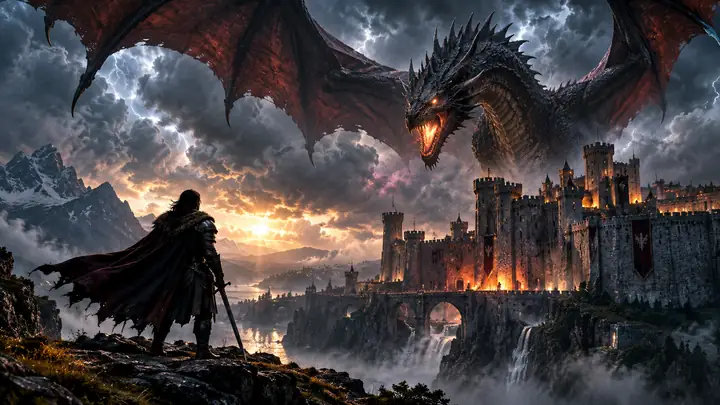
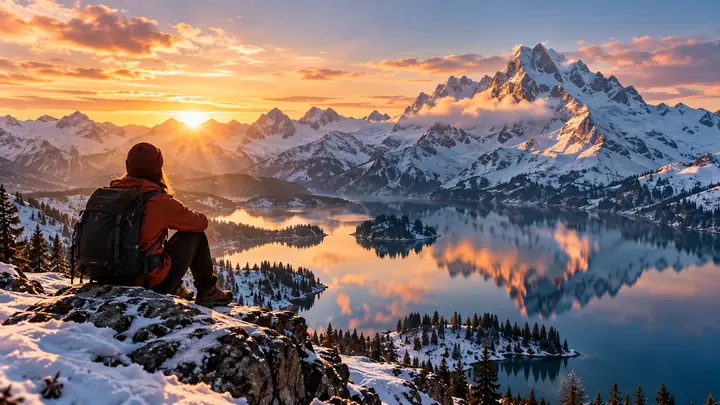
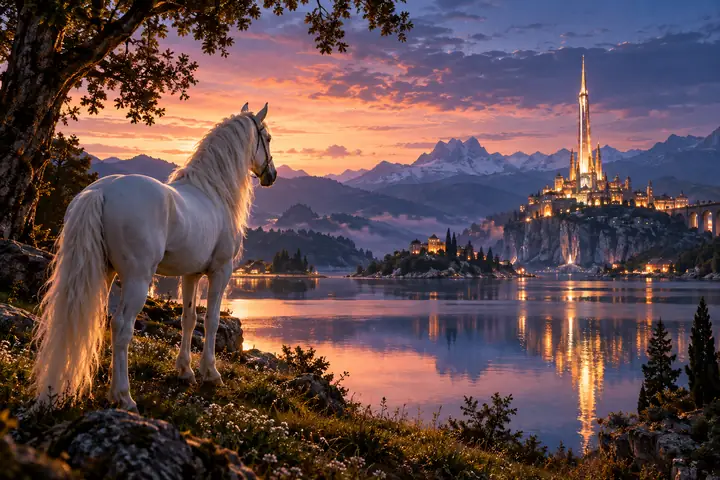
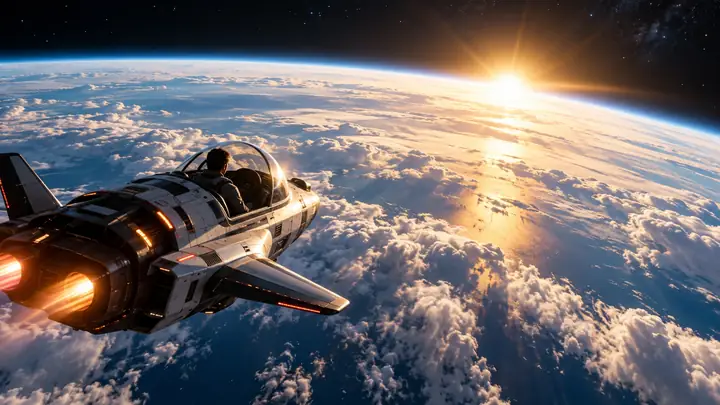
Leave the blank timeline behind and begin with words. Describe a subject, scene, movement, camera angle, or small detail, then carry that idea into a video creation workflow.
Convert Text to Video

Let a still image become the starting point for a moving story. Bring a picture, describe the change you imagine, and explore how the scene might come to life.
Create from an ImagePicture a realistic film, a softly illustrated journey, or a futuristic city. A thoughtful description of the atmosphere and visual style helps give every video idea its own character.
Get Started
Find inspiration in short-form scenes and familiar video formats. From a playful transformation to a warm character moment, a strong starting concept can make an idea easier to shape.
Explore Video Ideas

A first clip is only the beginning. Think about the sequence, sound, text, and pacing that make separate moments feel like a complete video.
Continue Creating
Describe the video you want to make. Include the setting, subject, mood, and movement that matter most to your idea.

Refine your description with visual references and a clear sense of style before continuing to the creation tool.

Review the result and consider whether music, captions, a voiceover, or another scene would complete the story.

Start with a video idea that fits its audience. Describe the subject, the pace, and the moments you want viewers to remember, whether you are imagining a short social clip or a longer story.
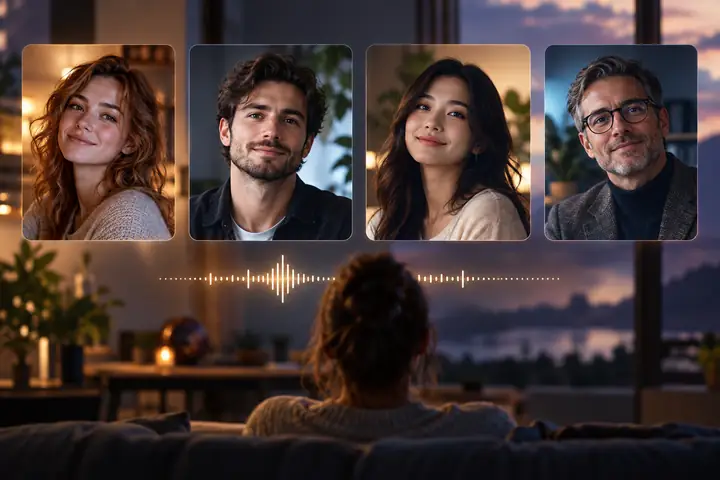
Consider a spoken voice when your video needs narration or dialogue.
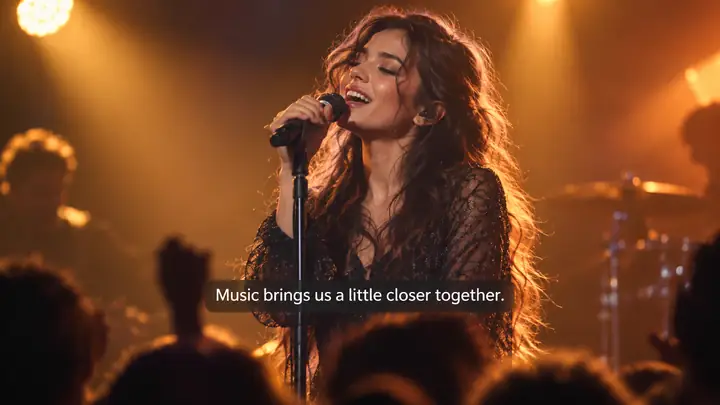
Make spoken moments easier to follow with thoughtfully timed captions.
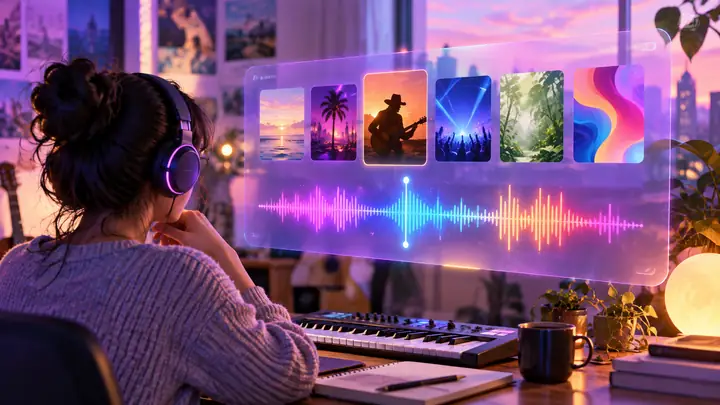
Choose a musical mood that supports the rhythm and feeling of your scene.
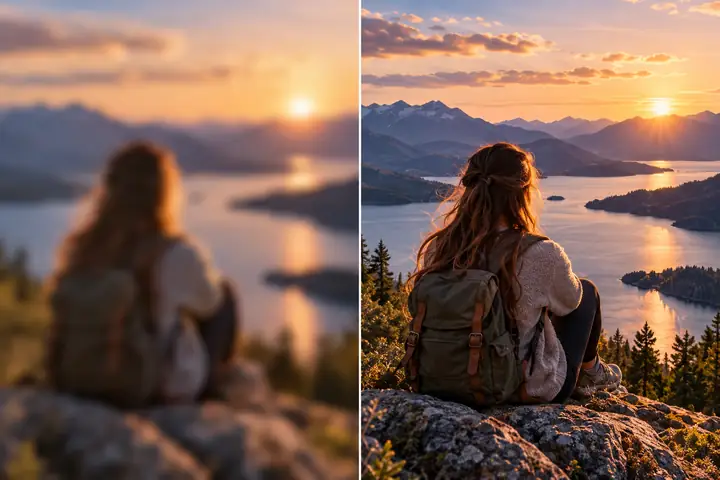
Pay attention to clarity and consistency as you prepare the final video.

A portrait and a carefully written script can anchor a character-led idea.
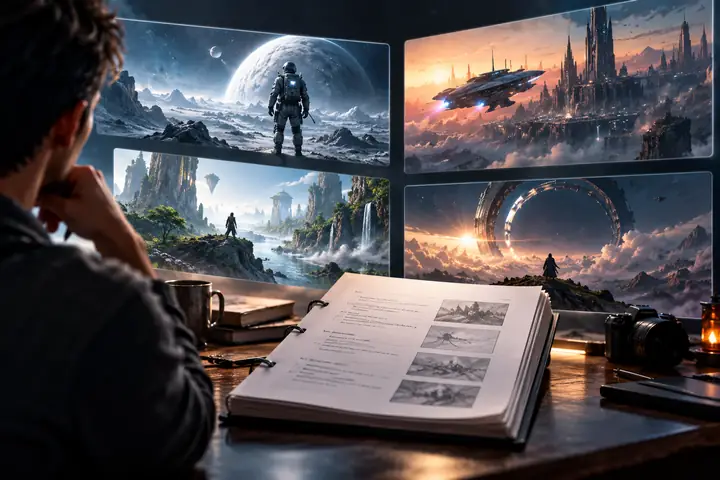
Map out scenes in writing before turning a larger concept into video.
Use the examples as inspiration, or begin with a scene entirely your own.
Take a creative idea from a few words toward a more complete visual concept.
Think about your scenes, sound, captions, and finishing touches together.
Describe the style, viewpoint, subject, and movement your story calls for.
Choose an example with one tap or write the prompt you have in mind.
Make your idea specific through setting, atmosphere, and visual references.
Start with a short description; add details as your vision becomes clearer.
Explore ideas ranging from realistic scenes to illustration and fantasy.
Use a distinct perspective and clear creative direction for each project.
A few well-chosen details can establish the subject, the atmosphere, and a sense of movement before a scene takes shape.
An existing picture offers a visual starting point. Imagine what happens just before or after the moment it captures.
Break a longer concept into memorable scenes, then consider how sound, pacing, and transitions connect them.
Describe your subject, setting, style, and movement. The prompt can then accompany you to the creation tool to continue working on the idea.
Name the main subject and action first. Add a setting, mood, lighting, and camera direction when those details matter.
Review the available options in the creation tool for your project. You can also plan changes to pacing, captions, sound, or scene order.
A focused action and a coherent visual style are often more useful than a long list of unrelated effects.
Select the image option to continue. Any image selection or upload takes place at the destination, not on this page.
Your prompt can describe realistic, illustrated, cinematic, fantasy, or other visual approaches. Available creation options appear in the tool you visit.
Review the destination tool’s current access, usage, and export terms before starting a project.
Ownership and usage rights depend on the tool’s terms and the material used in your project. Check those terms for your intended use.
Confirm the applicable usage rights and make sure you have permission to use any images, music, likenesses, or other source material.
Yes. Breaking a script into scenes can help you describe each shot’s subject, action, and visual direction more clearly.
Take the next step with a text description or an image, and see where your video idea can go.
Get Started